 Русский
 English
 العربية
 简体中文
 Türkçe
 Беларуская
 Română
 ქართული
 Հայերեն
 Azərbaycanca
 Қазақша
 Oʻzbekcha
 Кыргызча
 Тоҷикӣ
 Türkmençe
 हिन्दी
 Français
 Español
 한국어
For coffee.
And for everything else.
Pay for purchases by QR via SBP.
USDT is converted to rubles.
Pay by QR
 XWallet
 · wallet in Telegram
Pay for purchases by QR via SBP (Russia’s Faster Payments System), send money to friends and family, and withdraw rubles — all in one wallet.
 SBP
 USDT
 TRC20 · TronTelegram
 SteamTransfer by phoneAML checkFlash EnergyAny bank card
XWallet features
Purchases, transfers and your plans.
With USDT on the TRC20 network.
Pay for purchases by QR via SBP.
USDT is converted to rubles.
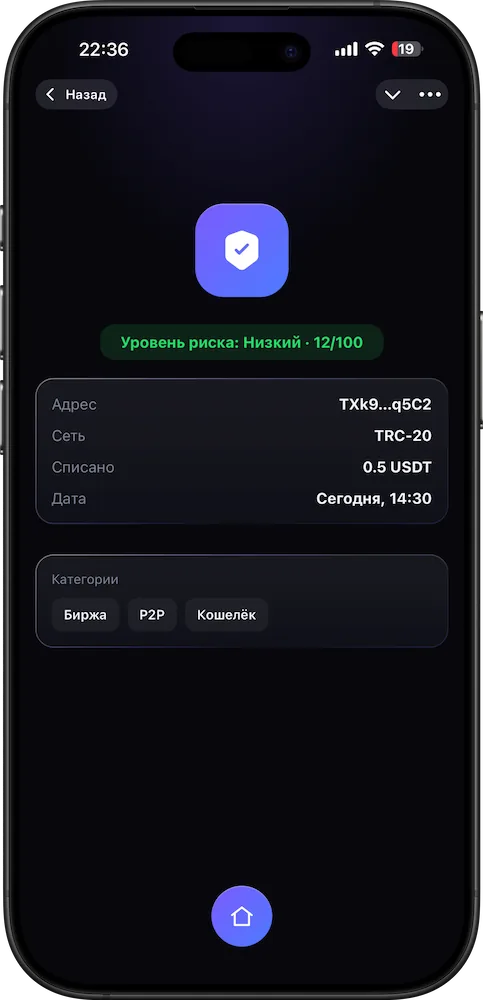
AML report on an address or hash:
risk level, categories and sources.
XWalletFor servicesSoonXWalletUniversalGet started
The wallet opens in Telegram and is topped up with USDT on the TRC20 network. Then it’s up to you: pay for a purchase, send money or withdraw to rubles.
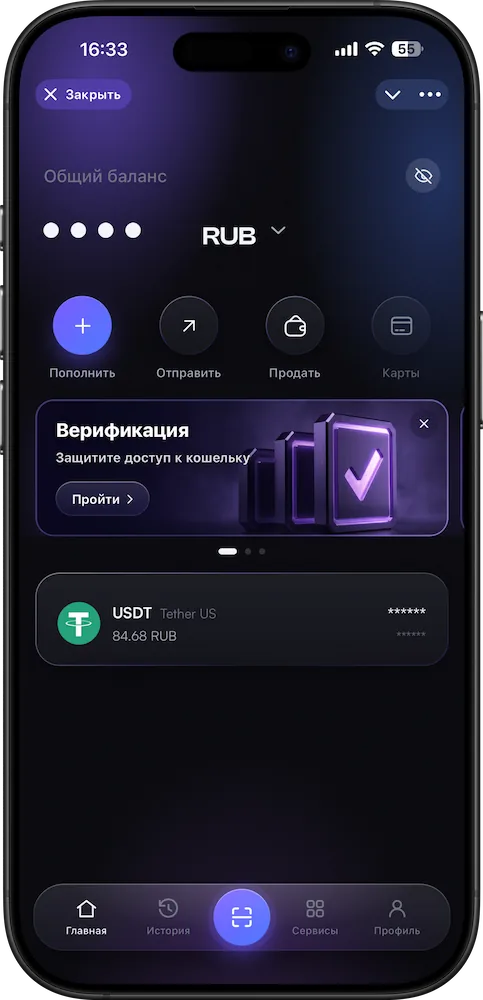
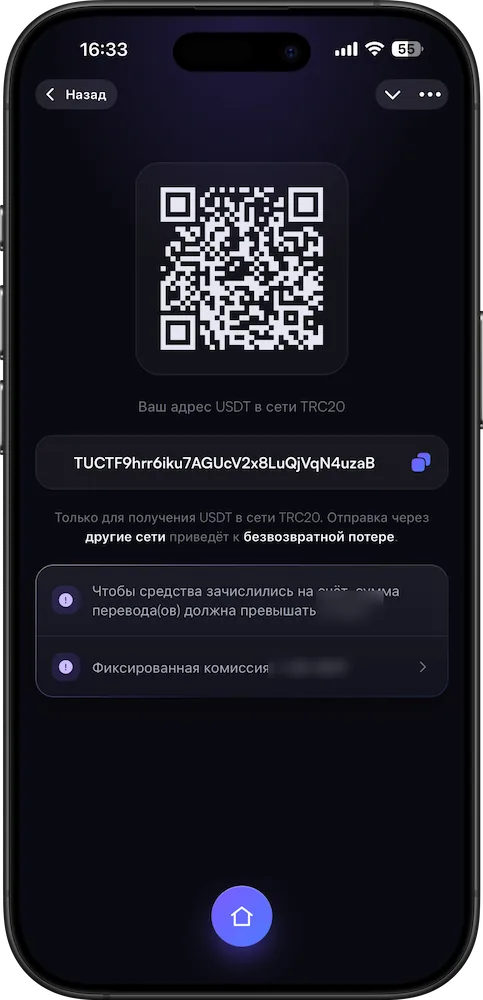
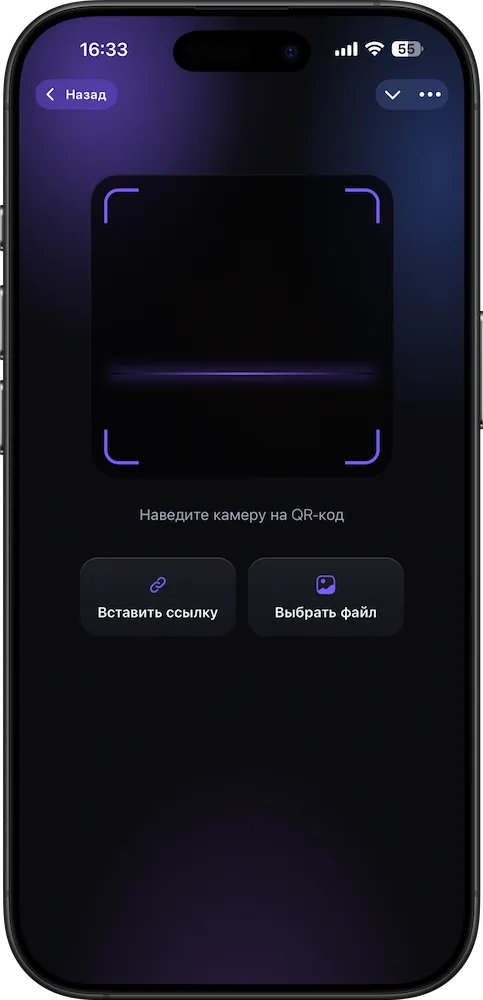
XWallet works inside the messenger — nothing to download. All you need to start is a phone number and email.
Send USDT from an exchange or another wallet to your address. TRC20 network only — the app shows the address.
Pay for a purchase by QR, send money to friends and family, or withdraw to rubles. You see the amount, rate and total before confirming.
AML check
XWallet checks USDT for “cleanliness” against risk databases and sanctions lists: incoming funds — before they are credited, the recipient’s address — before sending. And you can check any address or hash on the TRC20 network separately.
Before you start
A quick rundown of what’s worth knowing in advance — no fine print.
USDT on the TRC20 network. Crypto top-ups and withdrawals work only on it: the app won’t accept an address from another network.
All you need to start is a phone number and email. Verification is done in the app and raises your transaction amounts.
The app shows the amount, rate and fee before every confirmation. Once confirmed, a transaction cannot be reversed.
Support in Telegram: @xwalletsupport_bot. News — in the @xwalletone_news channel.
Referral program
Invite people to XWallet with a link or code from the app. The bonus is a share of XWallet’s fee on your invitees’ transactions, up to 35%.
Our articles
What USDT is, how to avoid receiving “dirty” crypto, what to do if an exchange freezes your account. No ads in every paragraph.
 Transaction hash: what it is and what it tells you
 Wallet address swapped: clipboard address swap
 Why exchanges freeze crypto and what to do
 What “dirty” crypto is and how to avoid receiving it
 What USDT is in simple terms and why you need it
 How to top up Steam with crypto via XWallet
 Is XWallet safe? How fund protection works
 What XWallet is and how it works
Questions
Answers before your first step.
Fees are transparent, with no hidden markup on the rate. You see the exact amount in the app before confirming a transaction.
All you need to start is a phone number and email. Verification raises your transaction amounts.
XWallet works with USDT on the TRC20 network. To top up, use the same network on your exchange or other wallet.
The address field accepts only TRC20 addresses — the app won’t accept an address from another network. But it checks the format, not who owns the address: a formally valid address will be accepted, whoever it belongs to.
Message the XWallet support bot in Telegram.
XWallet in Telegram
Open the wallet where you already chat.
All you need is a phone number and a backup email.
Necessary ones keep the site working; analytics ones are used only with your consent. Details are in the Cookie Policy.

 Supportin Telegram
