
 Русский
 English
 العربية
 简体中文
 Türkçe
 Беларуская
 Română
 ქართული
 Հայերեն
 Azərbaycanca
 Қазақша
 Oʻzbekcha
 Кыргызча
 Тоҷикӣ
 Türkmençe
 हिन्दी
 Français
 Español
 한국어
Steam top-up
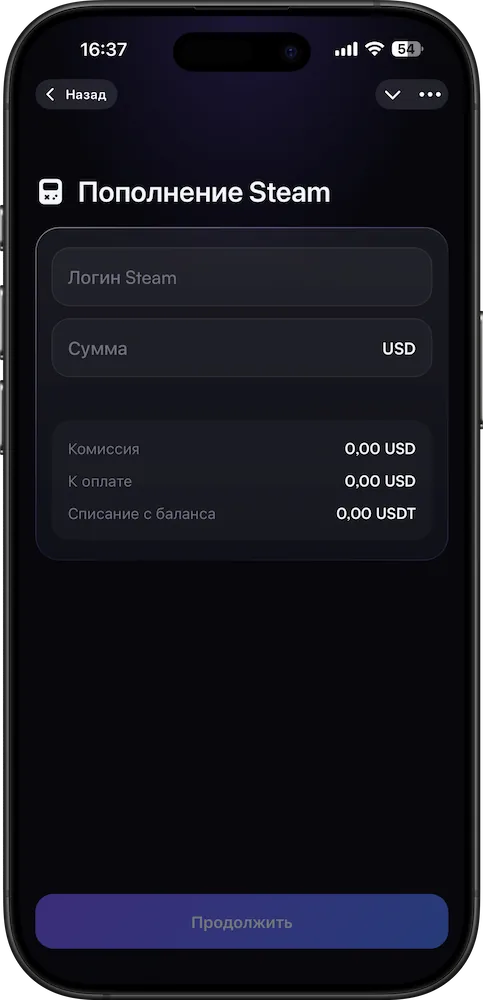
Top up Steam. By login.
Funds are credited to your Steam wallet by account login — from your XWallet USDT balance. No bank card needed.

What you get
Games — without a foreign card
- Just the account loginNo codes or middlemen: enter your Steam login.
- From your USDT balanceDebited from the wallet; you see the total before confirming.
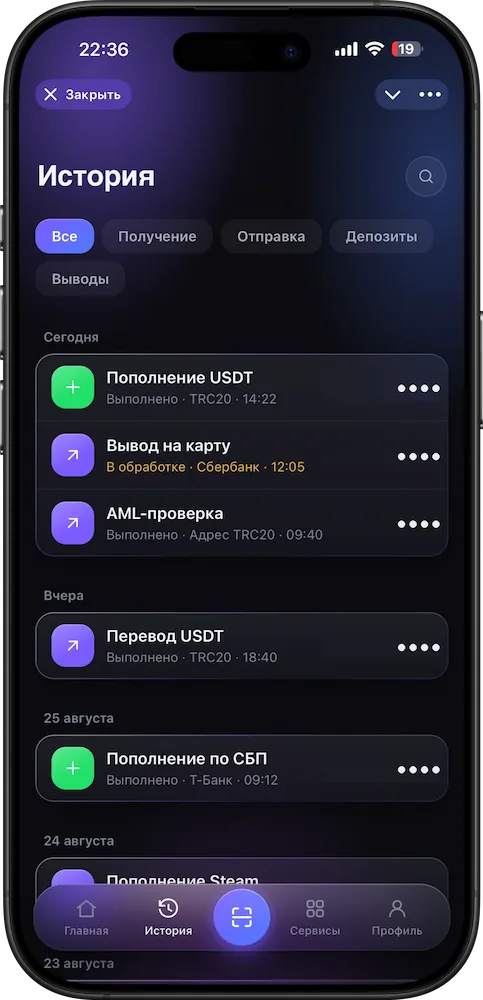
- Status in your historyCredited, pending or failed — you see it in the app.
Good to know
No fine print
How it works
Step by step, on real screens
Scroll and the screen changes. Or click a step.Swipe the cards sideways.
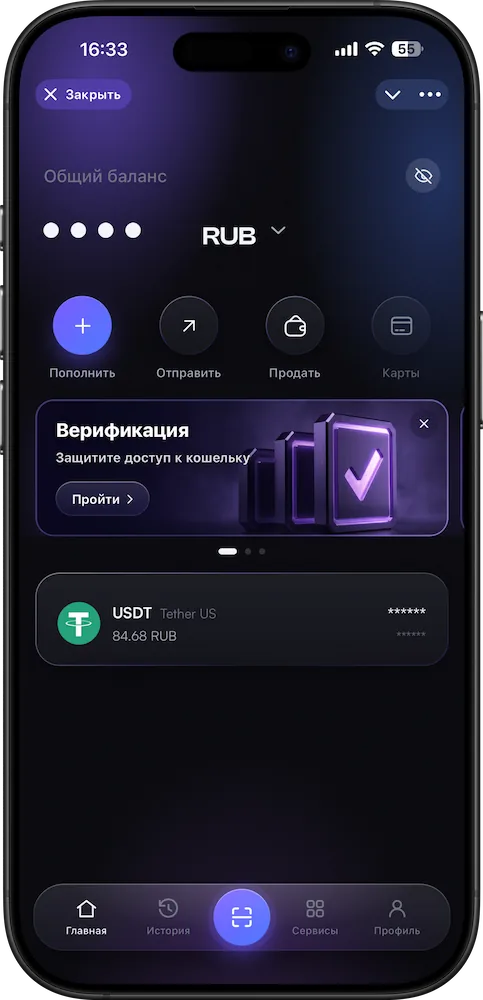
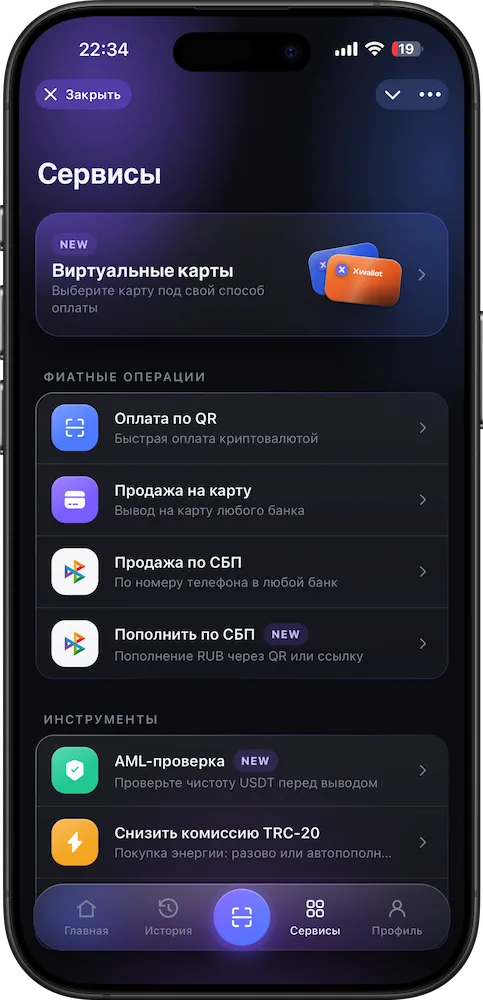
- 1Open “Services”
A tab in the app’s bottom bar.
- 2Choose Steam
The gaming services top-up section.
- 3Login and amount
The app shows the total before you confirm.
- 4Confirm
The crediting status is in your history.
Questions
The essentials
How do I top up Steam?
In “Services”, choose Steam, enter your account login and amount — the funds are credited to your Steam wallet. You see the total and fee before confirming.
What is the fee?
It is shown in the app before you confirm.
Can I cancel a top-up?
No — once confirmed, a transaction cannot be reversed. Double-check the login.
What if the funds weren’t credited?
Check the status in your history and message support with the transaction number.
Which asset do I pay with?
USDT from your XWallet balance.
More in XWallet
Related features
Steam top-up
Top up Steam today.
Account login and amount — debited from your USDT balance. No foreign card needed.
Open in Telegram