
 Русский
 English
 العربية
 简体中文
 Türkçe
 Беларуская
 Română
 ქართული
 Հայերեն
 Azərbaycanca
 Қазақша
 Oʻzbekcha
 Кыргызча
 Тоҷикӣ
 Türkmençe
 हिन्दी
 Français
 Español
 한국어
Withdraw to rubles
USDT to rubles. To a card or via SBP.
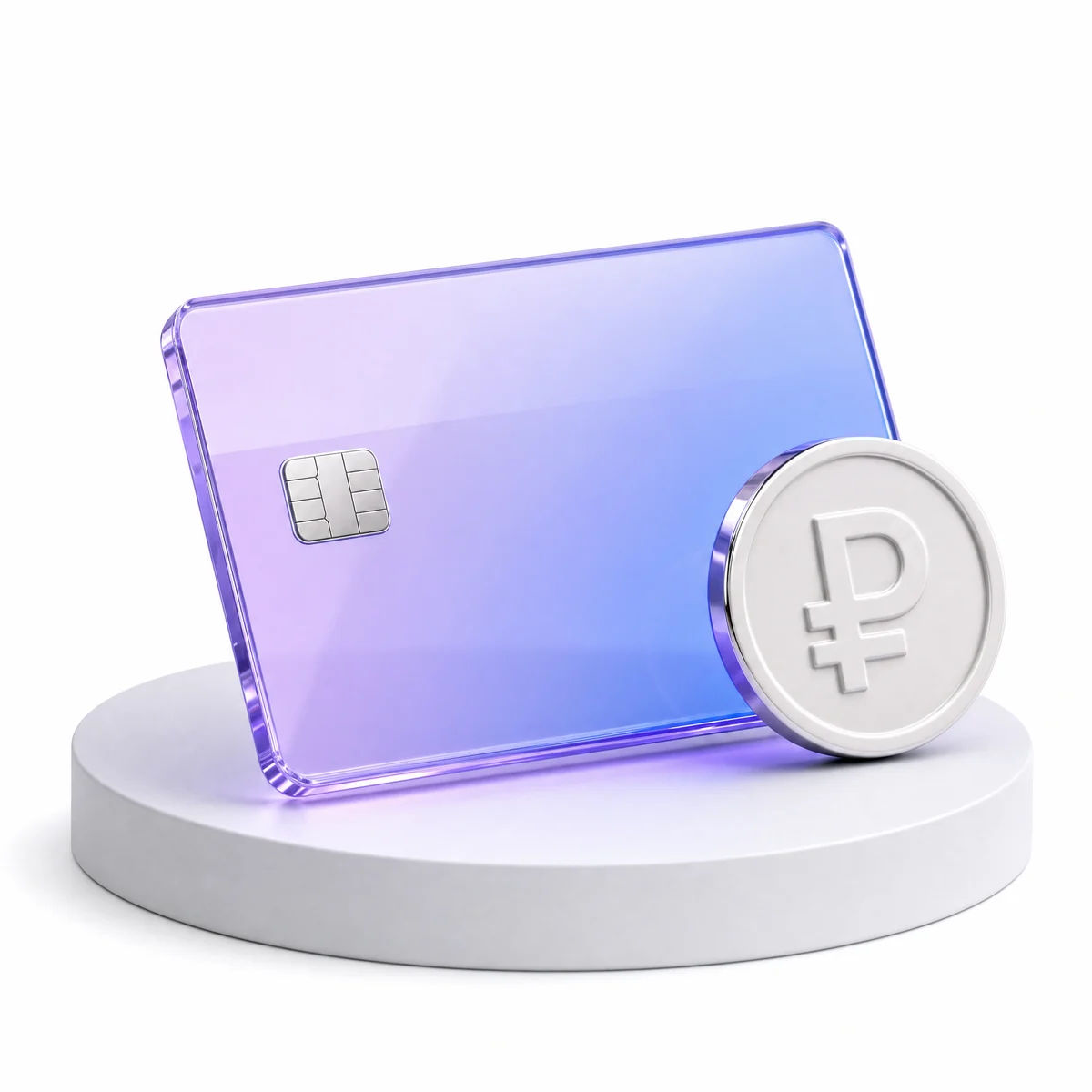
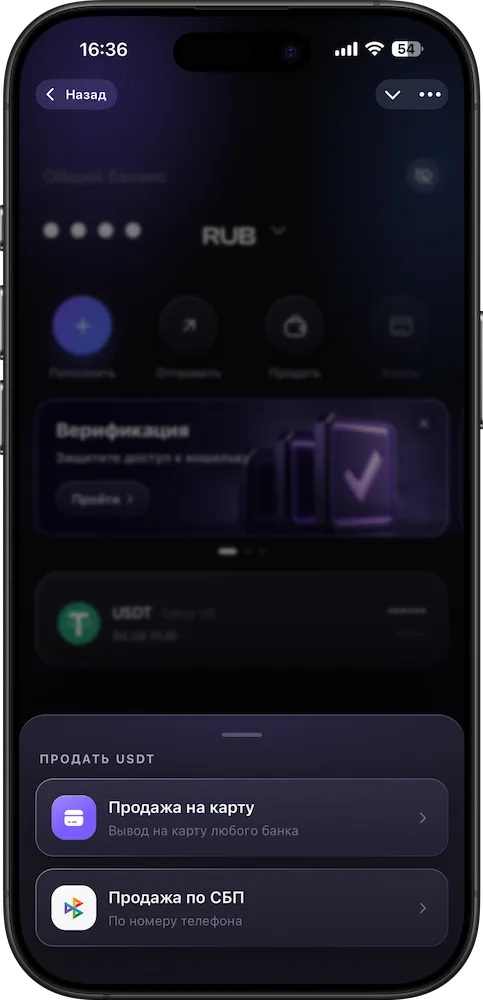
Withdraw to a card of any Russian bank by card number, or via SBP (Russia’s Faster Payments System) by phone number. You see the amount and rate before confirming.
What you get
Two ways to get rubles
- To a card by numberA card of any Russian bank.
- Via SBP by phoneTo any Russian bank, by the recipient’s phone number.
- See the total before you confirmThe amount, rate and total in rubles are on the screen before you confirm.
Good to know
No fine print
How it works
Step by step, on real screens
Scroll and the screen changes. Or click a step.Swipe the cards sideways.
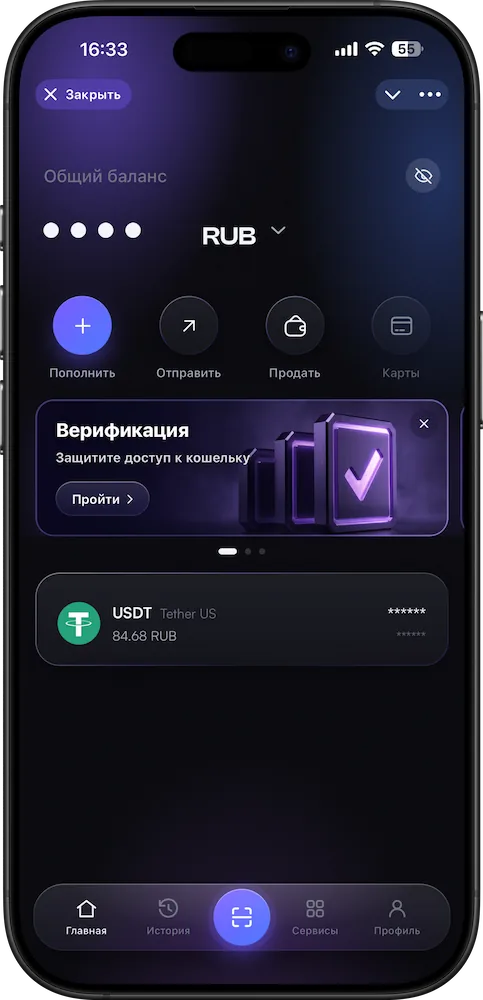
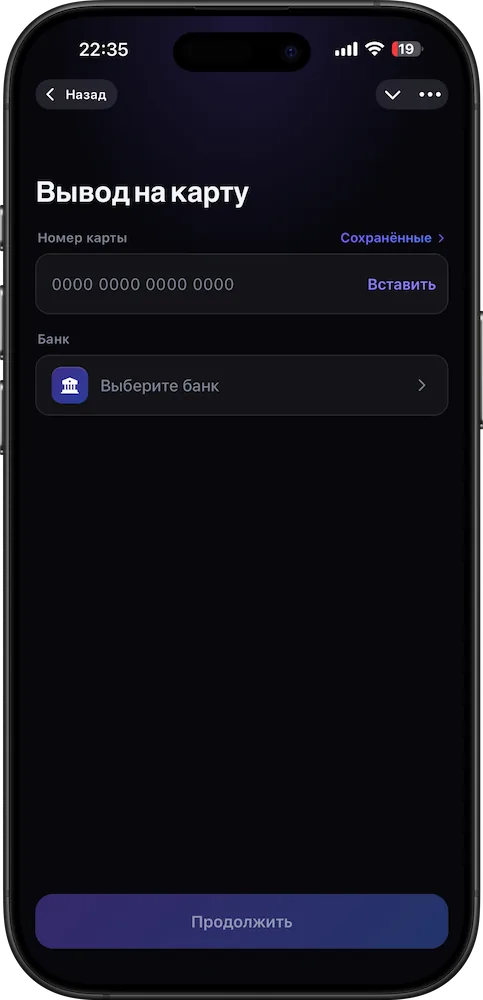
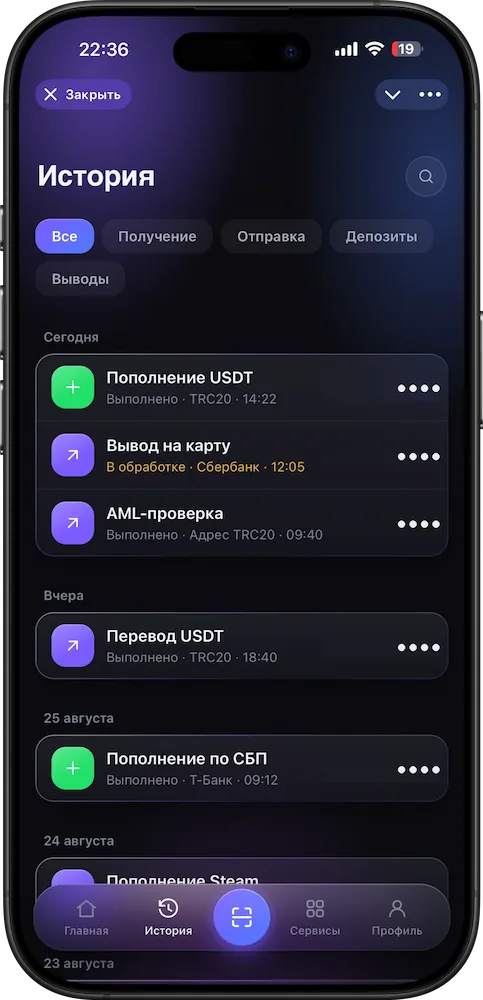
- 1Tap “Sell”
On the app’s home screen.
- 2Choose a method
To a card by number or via SBP by phone.
- 3Enter the details and amount
The app shows the rate and total in rubles.
- 4Confirm
The rubles are sent to the card or via SBP.
Questions
The essentials
How do I withdraw USDT to rubles?
Two ways: to a card of any Russian bank by card number, or via SBP by phone number. In both cases you see the total before confirming.
What are the limits?
They depend on your verification level and are shown in the app before you confirm.
What is the fee?
Transparent, with no hidden markup on the rate; the exact amount is in the app before you confirm.
Do I need verification?
Verification raises your transaction amounts. The app shows the terms.
The money hasn’t arrived — what should I do?
Check the transaction status and details in your history. If everything looks right, message support with the transaction number, amount and time.
More in XWallet
Related features
Withdraw to rubles
Rubles — on your card.
Any Russian bank by card number or SBP by phone number. The rate and total are on the screen before you confirm.
Open in Telegram