
 Русский
 English
 العربية
 简体中文
 Türkçe
 Беларуская
 Română
 ქართული
 Հայերեն
 Azərbaycanca
 Қазақша
 Oʻzbekcha
 Кыргызча
 Тоҷикӣ
 Türkmençe
 हिन्दी
 Français
 Español
 한국어
Transfers
To your people — by phone number.
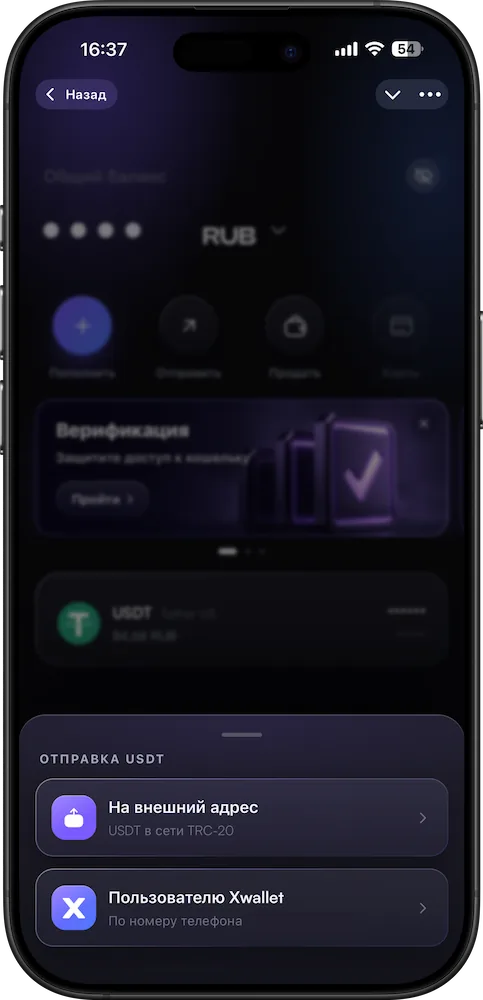
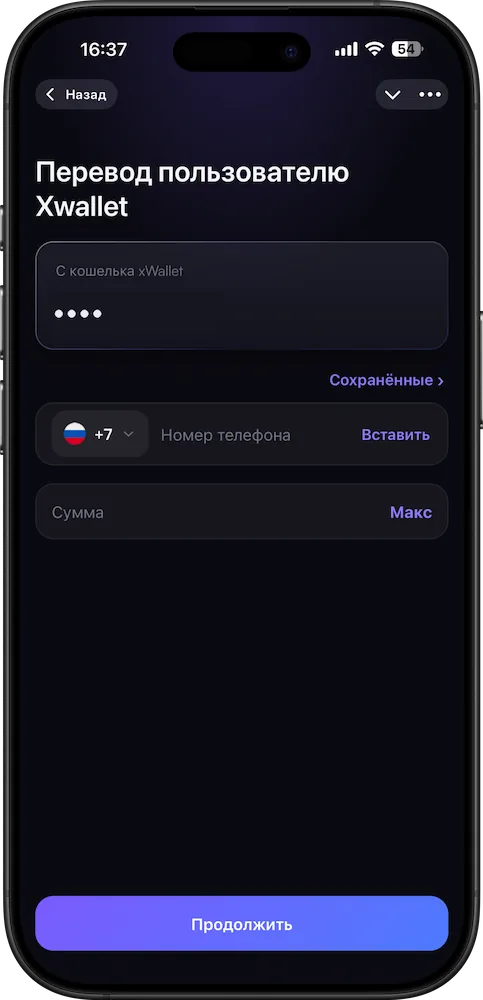
Send USDT to another XWallet user by phone number. To an external wallet — by address on the TRC20 network.
What you get
Inside XWallet and beyond
- To an XWallet user — by phoneNo addresses or networks: just enter the recipient’s number.
- To an external wallet — by addressTRC20 network only: the field won’t accept an address from another network.
- See the total before you confirmThe amount and fee are on the screen before you confirm.
Good to know
No fine print
How it works
Step by step, on real screens
Scroll and the screen changes. Or click a step.Swipe the cards sideways.
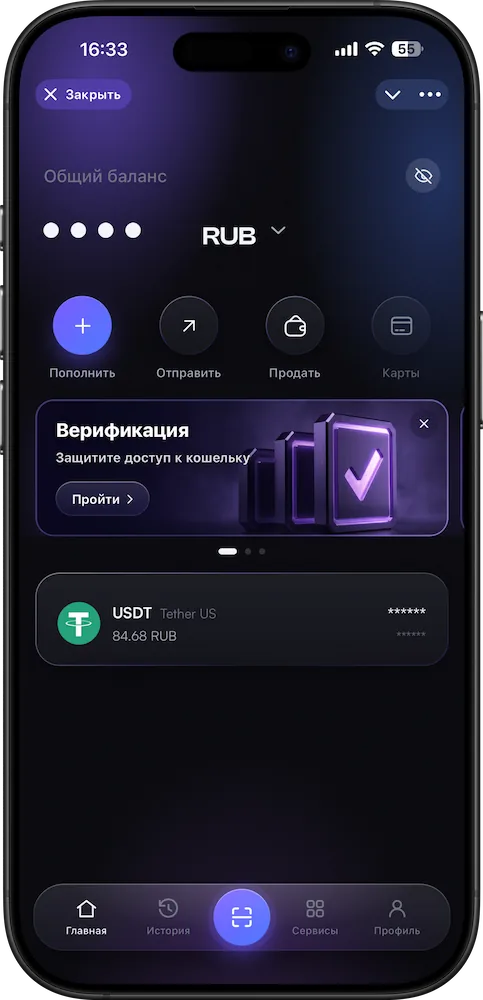
- 1Tap “Send”
On the app’s home screen.
- 2Choose who to send to
An XWallet user by phone or an external address.
- 3Enter the recipient and amount
For an external address — TRC20 only.
- 4Confirm
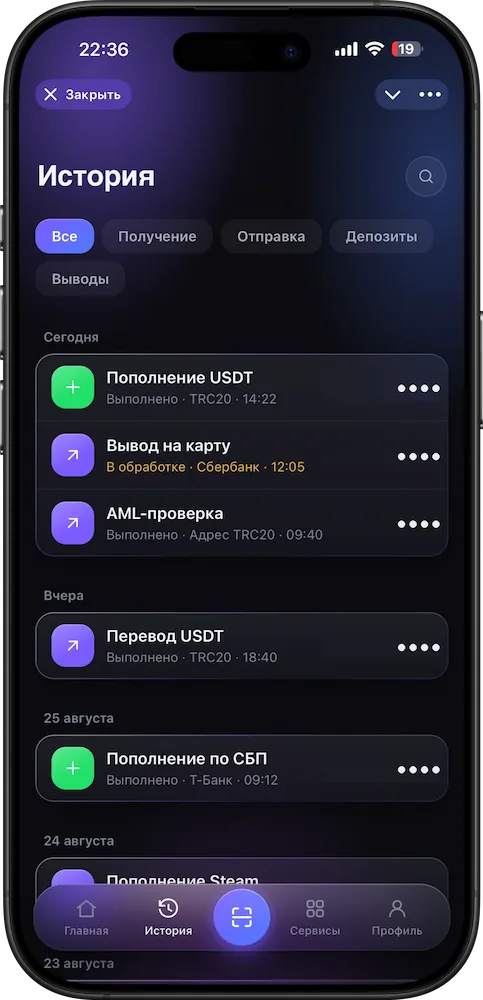
The transfer is sent; the status is in your history.
Questions
The essentials
Can I send USDT to another person?
Yes. To an XWallet user — by phone number, inside the wallet. To an external address — on the TRC20 network.
Can I cancel a transfer?
No. Once confirmed, a transaction cannot be reversed — that is how network transfers work.
Does the address check protect against mistakes?
Against a wrong network — yes. Against sending to the wrong recipient — no: a formally valid TRC20 address will be accepted. Compare the whole address.
What is the fee?
It is shown in the app before you confirm.
What if I send on another network?
XWallet accepts only TRC20. Funds sent on another network usually cannot be recovered — message support with the transaction hash.
More in XWallet
Related features
Transfers
Send to your people. By phone number.
To an XWallet user — by phone, no addresses or networks. To an external wallet — by address on the TRC20 network.
Open in Telegram